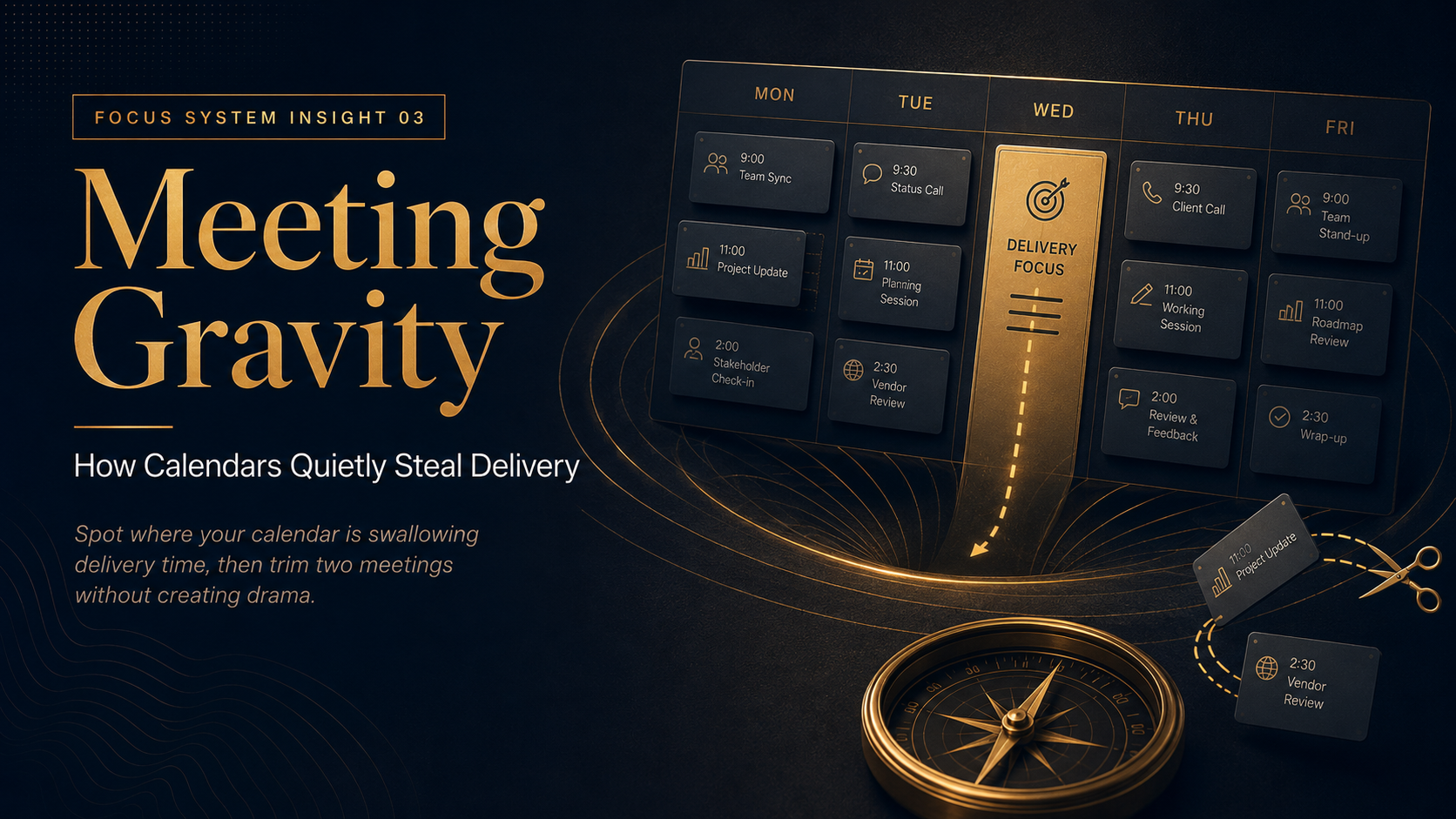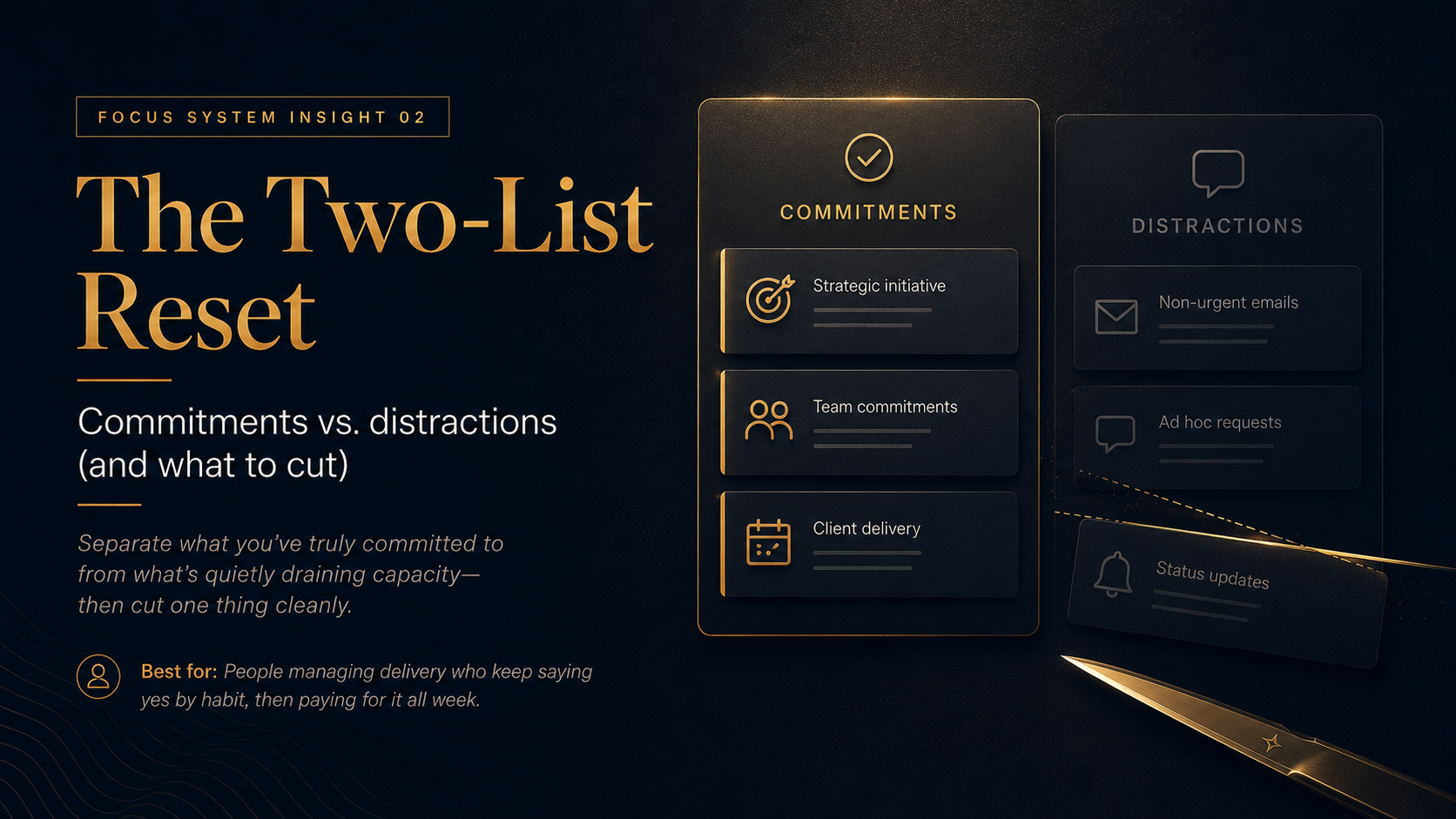

The Priority Filter: Choose the week in 10 minutes
Stop letting the week “happen to you” by making one clean choice about what matters most.
Best for: Line managers and project leads who feel busy all week but still end Friday unsure what actually moved.
1) The Situation
Your calendar is full before Monday starts.
Your inbox is full before lunch.
Everyone has “one quick thing”.
By Wednesday, you’re reacting—not leading.
Nothing is catastrophically wrong. It’s worse than that: everything is slightly urgent.
2) Line to Consider
If you don’t choose your week, your week will choose for you.
And it will choose based on noise, not importance.
3) The Model — The Three Gates
Most work gets into your week through three gates:
- Immediate (someone needs an answer now)
- Important (moves delivery, quality, or team health)
- Visible (seen by the most people)
Noise work is usually Immediate + Visible.
Real progress is usually Important, sometimes quiet.
The Priority Filter is how you deliberately favour the Important gate—before the week fills up.
4) The Tool — Priority Filter (1-page)
A one-page filter to decide what must matter this week—and what must not.
Use it in under 10 minutes:
- Write down everything competing for your attention (2 minutes).
- Circle the items that would make the week “count” if they moved (2 minutes).
- Run each circled item through three questions (4 minutes):
- Outcome: What changes if this moves by Friday?
- Cost of delay: What breaks (or gets expensive) if it waits?
- Ownership: Am I the owner, contributor, or approver?
- Pick one Weekly Priority and write the “minimum done” condition (2 minutes).
Download Tool
Related: If you’re drowning in “small commitments” that keep sneaking back in,
Read Insight 02 — The Two-List Reset.
5) The Move — 10-Minute Week Choice (within 7 days)
Run this once, then protect it.
Steps:
- Block 10 minutes at the start of your next work week (or Sunday evening).
- Complete the Priority Filter. Choose one Weekly Priority.
- Define “minimum done” in one sentence (e.g., “Draft reviewed and sent; waiting for approval is acceptable”).
- Make space: remove or downgrade one thing that conflicts with it.
- Tell your team what you chose and what you are not optimising for this week.
6) Manager Script
“This week, our priority is X. If something conflicts with it, we’ll decide deliberately—not by default.”
7) Common Failure Mode
Failure: You pick a priority but don’t change anything else.
That turns “priority” into a motivational poster.
Correction: Tie the priority to a visible trade-off:
- cancel one meeting,
- defer one request, or
- reduce scope on one deliverable.
If nothing is traded, nothing is prioritised.
8) Links (2 max)